 Athnexa
Real Puck Tracking
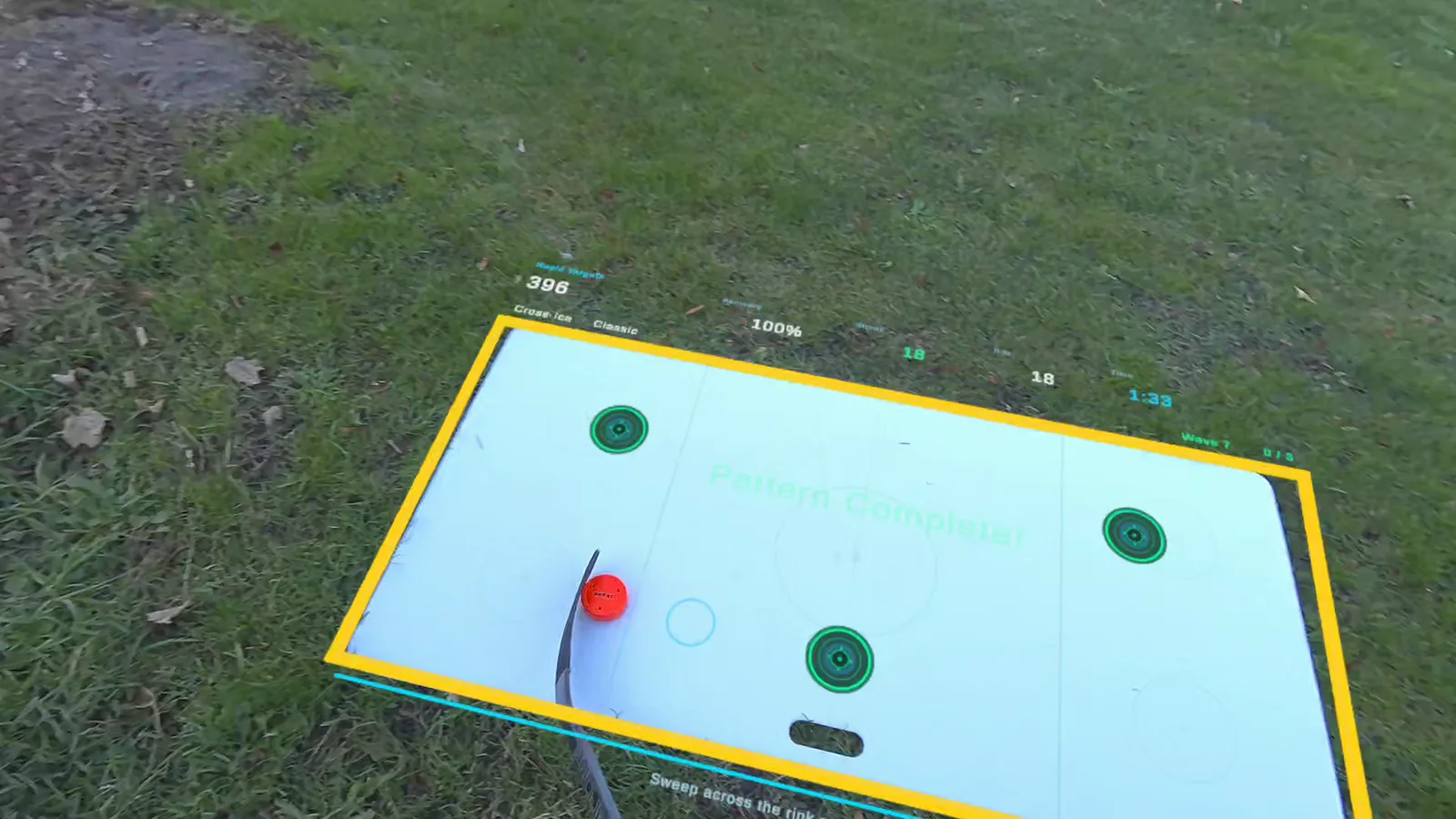
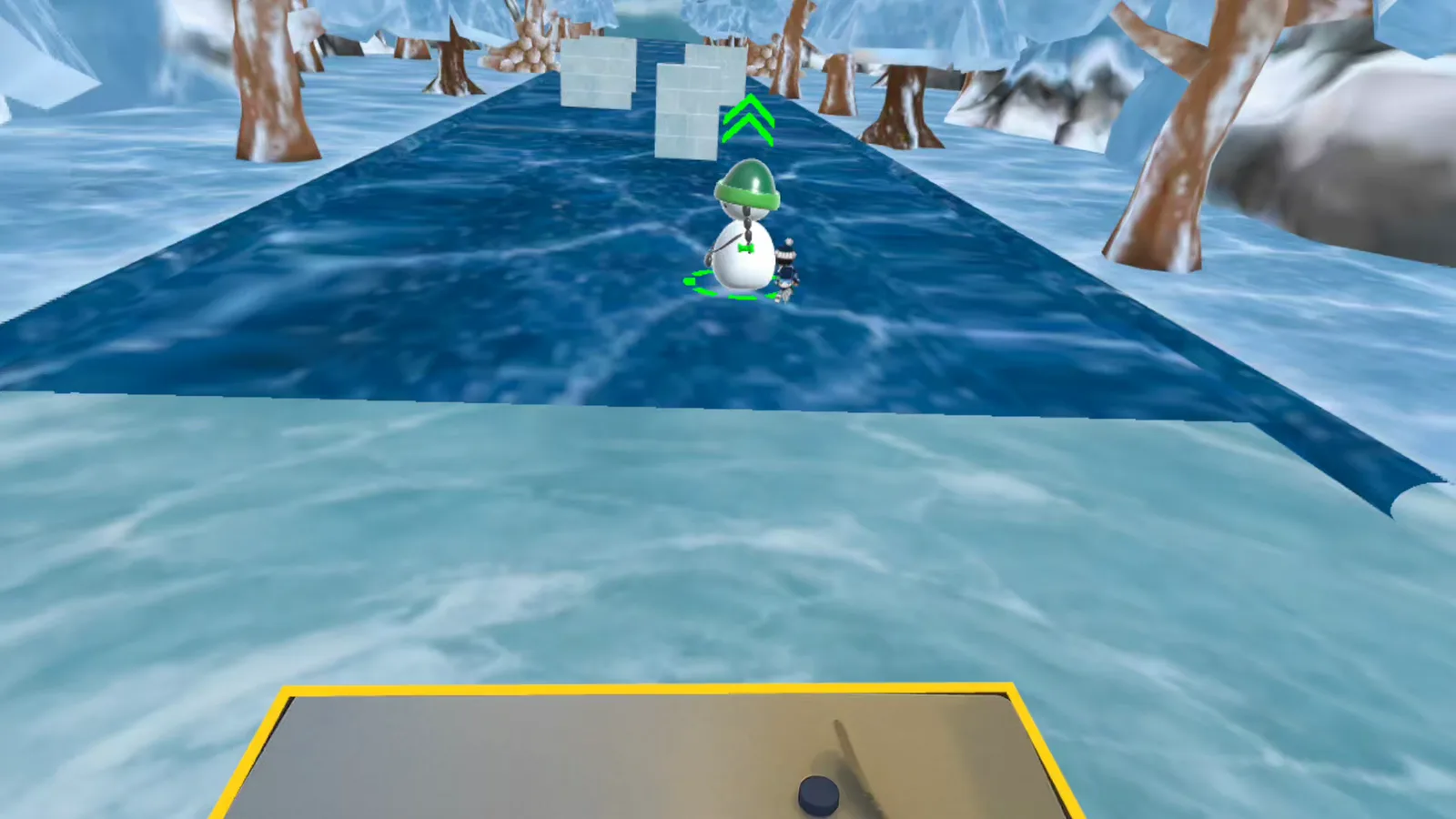
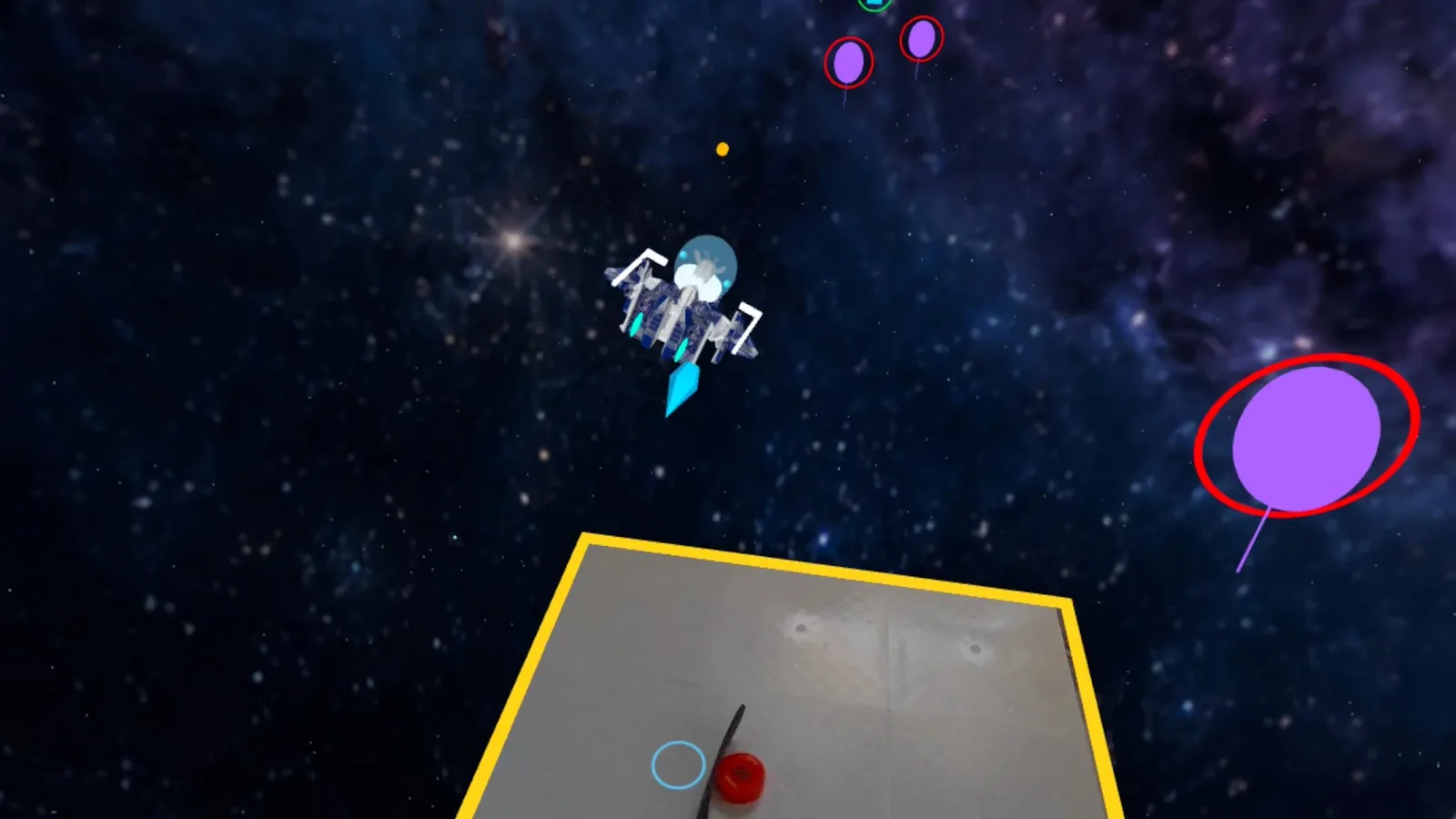
Your headset camera follows a real puck or ball. Hit Rapid Targets, move through Blizzard Dash, or match your movements to the beat in Puck Rhythm.
For Meta Quest 3 & Quest 3S
Quick Hands Hockey VR
Move a real puck to play mixed reality hockey challenges. Then pick up your controllers to practice shooting or step into goal.
Paid game. See your local price on Meta. Real Puck Tracking needs camera permission, a stick, and a puck or training ball. Looking for the mobile app?
Three ways to play
Start with a quick puck challenge, or spend a session in shooting and goalie activities.
Your headset camera follows a real puck or ball. Hit Rapid Targets, move through Blizzard Dash, or match your movements to the beat in Puck Rhythm.
Use your motion controllers to aim and release. Practice called corners, read the goalie, or choose a timed Custom Shooting session.
React to shots, cover the angles, and get the puck moving in Save and Send. Adjust the difficulty and goalie size for your session.
Your first session
Use a Meta Quest 3 or Quest 3S. Open the Meta store listing to check the current local price, compatibility, and purchase details.
Clear an area within stick reach. Use your stick and a puck or training ball, allow camera access, and follow the tracking setup. A brightly colored puck helps; black pucks need a plain, light floor.
Play a real puck game, or use motion controllers for VR shooting and goalie training. Camera access can stay off for controller modes.
Real Puck Tracking processes camera frames locally and discards them after use. The app does not record or upload the footage. Your profiles and progress are stored on the headset.
Read the game’s privacy policyGood to know
Quick Hands Hockey VR is for Meta Quest 3 and Quest 3S. Check the Meta store listing for the latest compatibility details.
For Real Puck Tracking, use a real stick and puck or training ball. For VR shooting and goalie training, use your headset’s motion controllers instead.
Use a clear play area and follow the in-game setup. A brightly colored puck is recommended. For a black puck, use a plain, light floor; a white hockey shooting sheet works best.
No. Camera frames are used locally to locate the puck or ball, then discarded. They are not recorded or uploaded by the app. You can decline or revoke camera permission and use VR shooting or goalie training. Read the privacy policy.
No. The game uses local profiles, and progress is saved on your headset. Meta handles your store account, purchase, and installation.
This is a paid game on the Meta store. View your current local price and purchase details.
These are separate apps for different devices. This page is for the Quest edition. Quick Hands Hockey for mobile uses a phone camera for real puck games.
Quick Hands Hockey VR
Real puck challenges, shooting, and goalie training on Quest 3 and 3S.